Inverter cores online de imagem JPG
Uma ferramenta online gratuita para redimensionar e recortar imagens.
How to Invert Colors
1. Click on the Browse button to upload your image file in the editor tool.
2. Adjust the Color Inversion Level; adjust the scroll to choose a desired inverter value between 0 to 100 to turn the picture colour.
3. Then Click Invert Colors button. The new inverted image will be generated in the web browser.
4. To Baixar: Right click on new invert color image and click on Save Image As... option to download the image to your device.
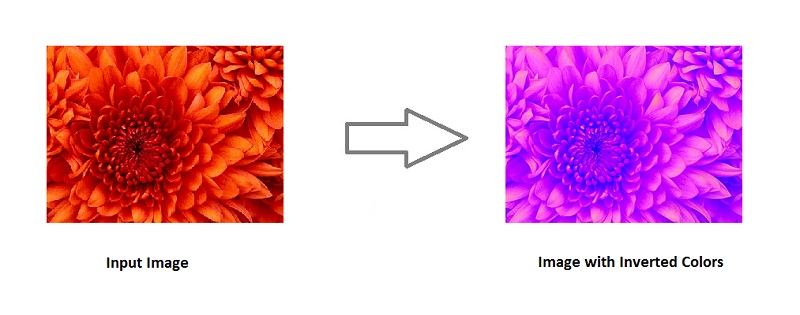
What is Image Color Inversion ?
In the image color inversion, the light areas appear dark and dark areas appear light. For example: white becomes black, black becomes white, orange becomes blue and so on. The color inversion of red areas appears as cyan, green to magenta and blue to yellow and vice versa.